Napkin AI - The visual AI for business storytelling
Napkin AI
An AI-powered tool that transforms text into visually appealing graphics
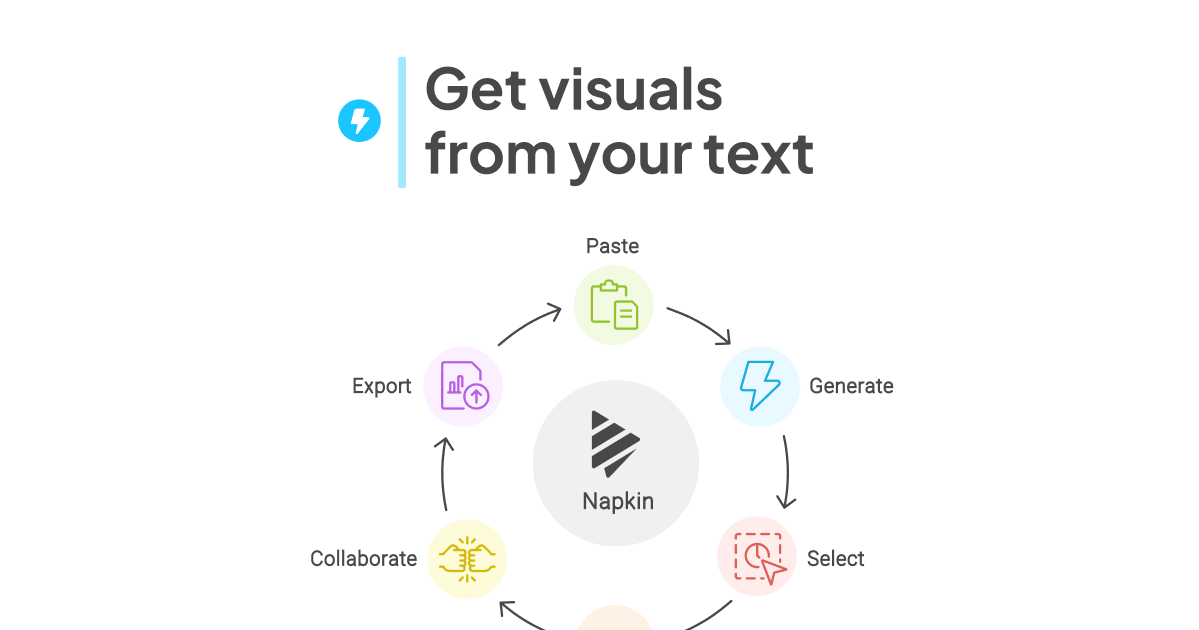
How Napkin Works
- Text Input: Users simply paste or write their text content into Napkin
- Visual Generation: With a click, Napkin generates relevant visuals based on the provided text
- Customization: Users can then polish and personalize the generated visuals to suit their needs
Key Features
- Editable Visuals: All generated graphics are fully customizable
- Versatile Elements: Napkin offers a range of design elements including icons, decorators, connectors, colors, and fonts
- Export Options: Visuals can be exported as PNG, PDF, or SVG files
Use Cases
- Presentations
- Blog posts
- Social media content
- Documentation
Accessibility and Pricing
Napkin.ai offers a free plan with some limitations on quotas and customization features. During the beta phase, users can enjoy the Pro plan at no cost.
User Experience
The platform is designed for desktop use, providing an intuitive interface that combines document editing with visual generation and editing tools. While mobile viewing is supported, the optimal editing experience is on desktop devices.
Collaboration Features
Although not its primary focus, Napkin supports real-time collaboration, allowing multiple users to edit a document simultaneously and provide feedback through a built-in highlighter tool.
Napkin stands out as a powerful tool for professionals, educators, and content creators looking to enhance their visual storytelling capabilities without extensive design skills.