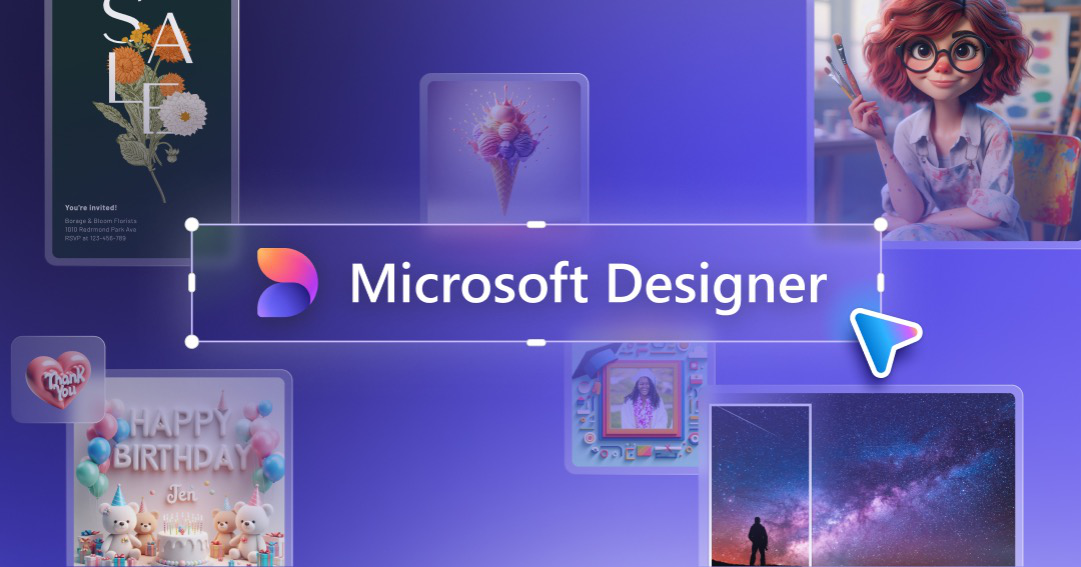
Microsoft Designer
A graphic design app that helps you create professional quality social media posts, invitations, digital postcards, graphics, and more. Start with your idea and create something unique for you.
Transform Your Creative Process with Microsoft Designer
In today's fast-paced digital world, effective design tools are essential for anyone looking to create visually appealing content quickly and efficiently. Enter Microsoft Designer, a cutting-edge web-based design platform that revolutionizes the way we approach graphic design. Whether you’re a seasoned designer or a novice, Microsoft Designer offers a plethora of features and tools that make high-quality design accessible to all.
Ease of Use and Accessibility
Microsoft Designer is tailored to meet the needs of users with varying levels of design experience. The platform boasts an intuitive interface that allows users to navigate through its features effortlessly. The user-friendly design ensures that even those with minimal design skills can create professional-grade graphics in no time.
AI-Powered Features
One of the standout aspects of Microsoft Designer is its integration of artificial intelligence. The AI-powered tools provide users with smart suggestions, helping them to enhance their designs with minimal effort. This includes layout suggestions, color palettes, and even font pairings that work harmoniously together. These AI-driven features significantly reduce the time and effort needed to produce stunning visuals.
Extensive Template Library
The platform offers an extensive library of templates catering to various needs, from social media posts and marketing materials to presentations and invitations. These templates are customizable, allowing users to tailor them to their specific requirements. This feature is particularly beneficial for businesses and individuals looking to maintain brand consistency across different mediums.
Seamless Integration with Microsoft 365
Microsoft Designer integrates seamlessly with other Microsoft 365 products, enhancing productivity and collaboration. Users can import content from Word, Excel, and PowerPoint, making it easier to create cohesive designs across different platforms. This integration also facilitates real-time collaboration, enabling team members to work on projects simultaneously, regardless of their location.
Advanced Editing Tools
Beyond its AI capabilities, Microsoft Designer includes a suite of advanced editing tools. These tools offer precise control over various design elements, such as layering, masking, and blending modes. Users can fine-tune their creations to perfection, ensuring that every detail is exactly as envisioned.
Collaborative Environment
Collaboration is a key component of Microsoft Designer. The platform supports real-time collaboration, allowing multiple users to work on the same project simultaneously. This is particularly useful for teams spread across different locations, as it fosters a more dynamic and interactive design process.
Cloud-Based Convenience
As a cloud-based platform, Microsoft Designer provides users with the convenience of accessing their projects from any device with an internet connection. This flexibility ensures that users can work on their designs anytime, anywhere, without being tethered to a specific device.
Educational Resources and Community Support
For users looking to enhance their design skills, Microsoft Designer offers a wealth of educational resources. From tutorials and webinars to community forums, users have access to a variety of learning materials that can help them master the platform’s features. Additionally, the community support provides a space for users to share tips, ask questions, and find inspiration from fellow designers.
Conclusion
Microsoft Designer stands out as a powerful and versatile design tool that democratizes the design process. Its blend of intuitive features, AI-powered tools, and seamless integration with Microsoft 365 makes it an invaluable resource for both professional designers and casual users. By providing a platform that is both accessible and robust, Microsoft Designer empowers users to bring their creative visions to life with ease and efficiency.
For more information and to start creating your own stunning designs, visit the Microsoft Designer website.